Day One with the FortiGate 100F - Adding a Real NGFW to a MikroTik-Native Homelab
What Arrived
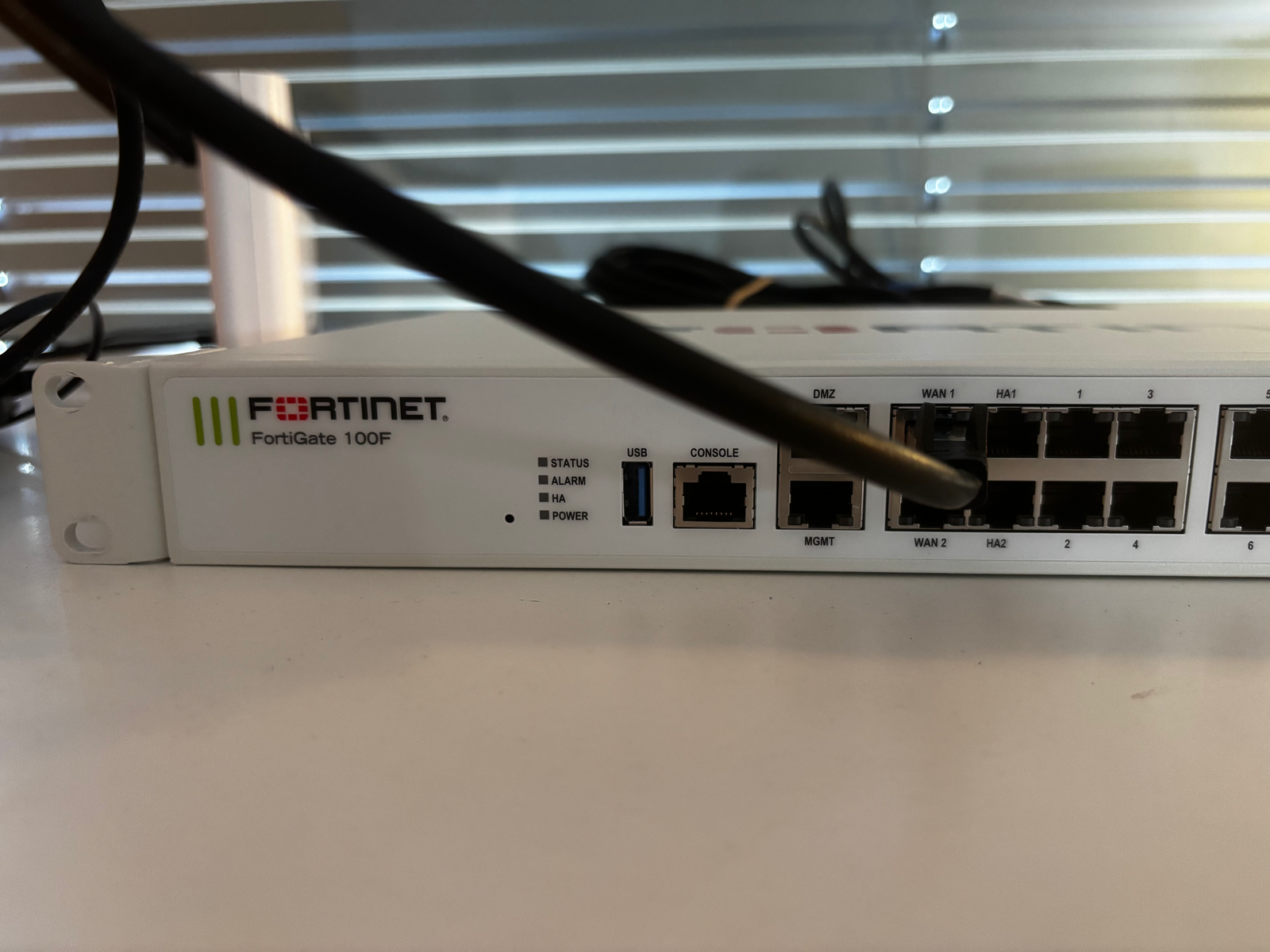
A Fortinet FortiGate 100F appeared on my desk this week. Eight RJ45
gigabit ports, four SFP cages, two 10-gigabit SFP+ uplinks, an internal
NPU6 network processor for hardware-accelerated inspection. Refurbished
from the secondary market for roughly the price of a mid-range
workstation. Enterprise networking gear coming off corporate refresh
cycles is an underrated category for serious homelab builders.
The datasheet specs include around 20 Gbps stateful firewall throughput
and roughly 1 Gbps next-generation firewall throughput with full
inspection enabled. The homelab will see a fraction of that, but the
headroom matters.
Why This, Why Now
The homelab already runs a MikroTik CCR2004-1G-12S+2XS as the core
router. The MikroTik is excellent at routing, BGP, and policy decisions.
What it is not is a next-generation firewall. RouterOS firewall features
are competent at layer 3 and 4 but do not include line-rate deep packet
inspection, application-aware filtering, or a maintained IPS signature
database.
The FortiGate fills exactly that gap. The MikroTik continues to do
routing. The FortiGate does inspection. Each device does what it does
best, and the architecture is cleaner than trying to make either device
do both.
Where It Fits
The new path looks like this. Init7 Copper7 terminates on the Fritz!Box
in modem-only mode. The Fritz!Box hands off to the FortiGate, which
performs PPPoE termination and applies inspection on all traffic in
either direction. The FortiGate hands off to the MikroTik through a
transit subnet, and the MikroTik continues to handle inter-VLAN routing
across the existing eight-VLAN design. Cisco C2960S switches handle
layer-2 distribution as before.
This puts the security layer where it belongs, at the trust boundary,
without disturbing the routing intelligence inside.
First Boot
The unit arrived factory-reset, which is the right thing to do for
secondary-market gear but is not always the case. Firmware on arrival
was 7.2.4. First real configuration work was the upgrade to current
7.4, which required migrating the device serial number to my own
Fortinet support account. The process exists, it works, and it takes
a few business days.